Setting Up an App in Group Control
If this is your first time setting up an app in Group Control, it is pretty simple. If you need a quick reminder without going through all the steps, then the Quick Steps to install for Production or Development include the abbreviated Group Control Setup as well.
-
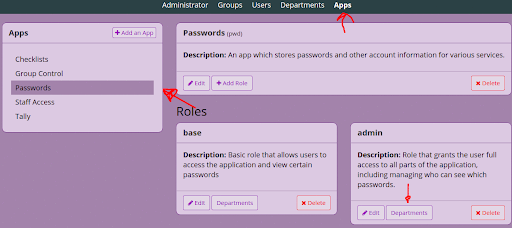
In a browser, navigate to your local group control installation, click "Apps => App Name => Departments (under the admin role box)"
-
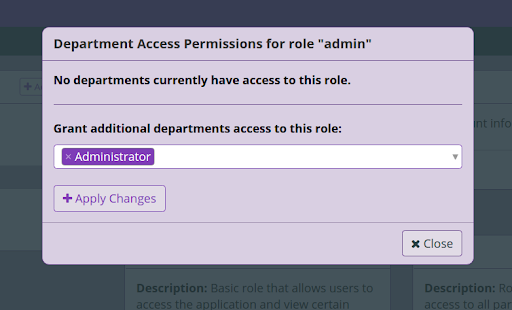
Add the "Administrator" department
-
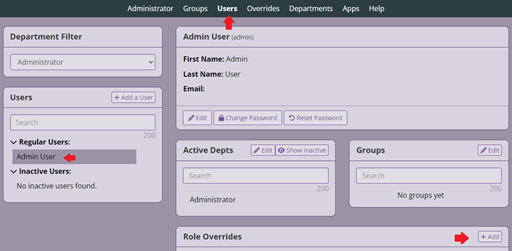
Click "Users => Admin User => Add Override"
-
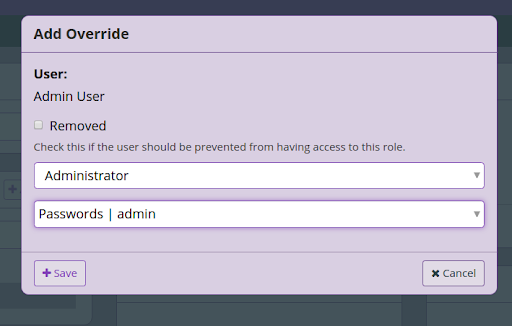
Add the admin group as an override
Your app has now finished being setup in Group Control.